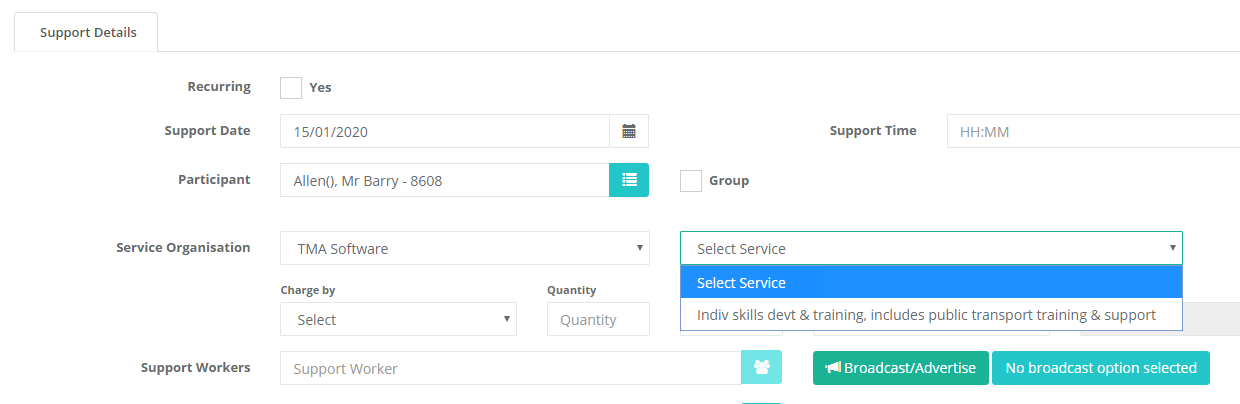
How To Limit Support Services to Approved Services Only
This allows you to limit/allocate the services or line items that can be selected when creating a support to only specific ones per participant.
-
Make sure all services you want to be able to assign to a client has been added under the Approved Services section of the client's record. You can find this by opening up a client record, scrolling down until you see the approved services box in the middle column.
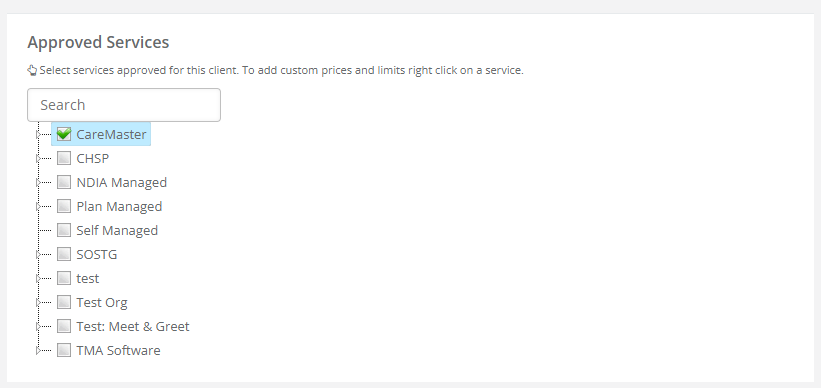 To assign a service to a client, open up the relevant service organistation by clicking on the small arrow to the left of the tick box and click on the relevant service tick box or name. Alternatively you can add all services under a service organisation by ticking the service organisation tick box or name.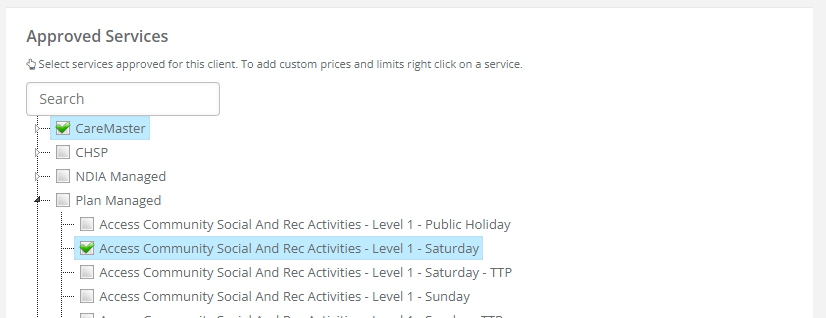
-
Now when you go to add a new support, it will only show those support items to select from. You can pick and choose from different service organisations as well depending on what you assigned.