How to restore a deleted support?
1min read
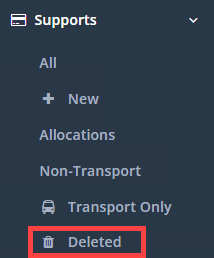
If you have accidently deleted a support, you can go to the Supports → Deleted and restore it from there.
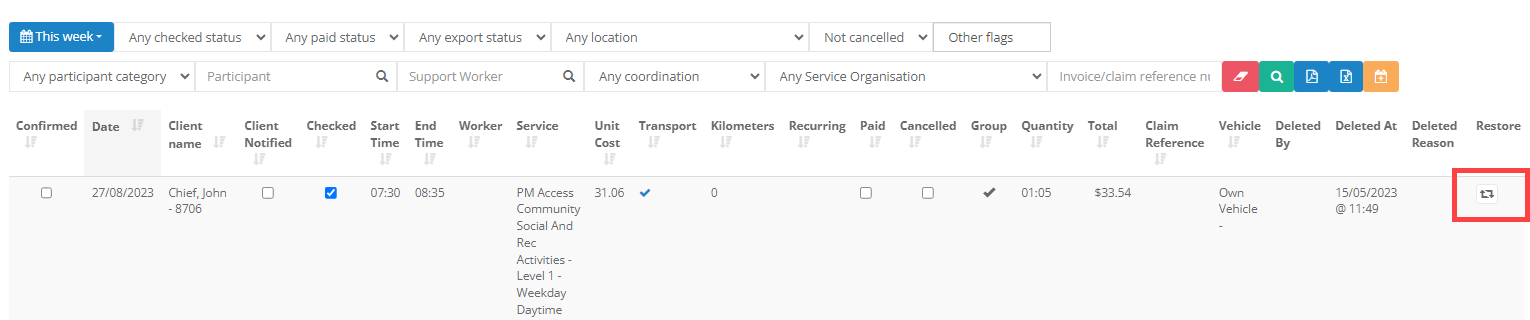
It will list all deleted supports in the system with how it was deleted, when it was deleted and who deleted it.
You can click on the Restore icon under the Restore heading to get it to show in the main supports section again.
Please note it will not allocate it to the previous worker, you will need to re assign it again.