
How to Email Rosters to Participant?
1min read
CareMaster has the ability to send an email to workers with their schedule for the week/fortnight.
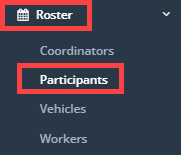
Click on Roster → Participants.
Select the Date Range you want to email out rosters for - we suggest either Week or Fortnight but any option will work. \n 
If you want to send to only specific clients, use the Filters button to filter it to only those clients. Alternatively, leave blank and it will send to all clients with an email address entered.

Once you are happy with the date range and group of clients to send to, you can click on the Email icon.

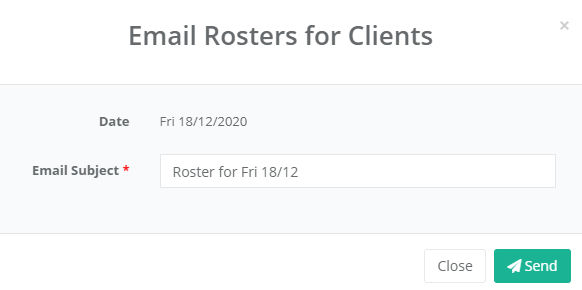
You can change the email subject or leave as default, then click on the Send button.
It will now go through and email rosters to all clients that fit the filters and date range.
\