
Welcome to Trips
1min read
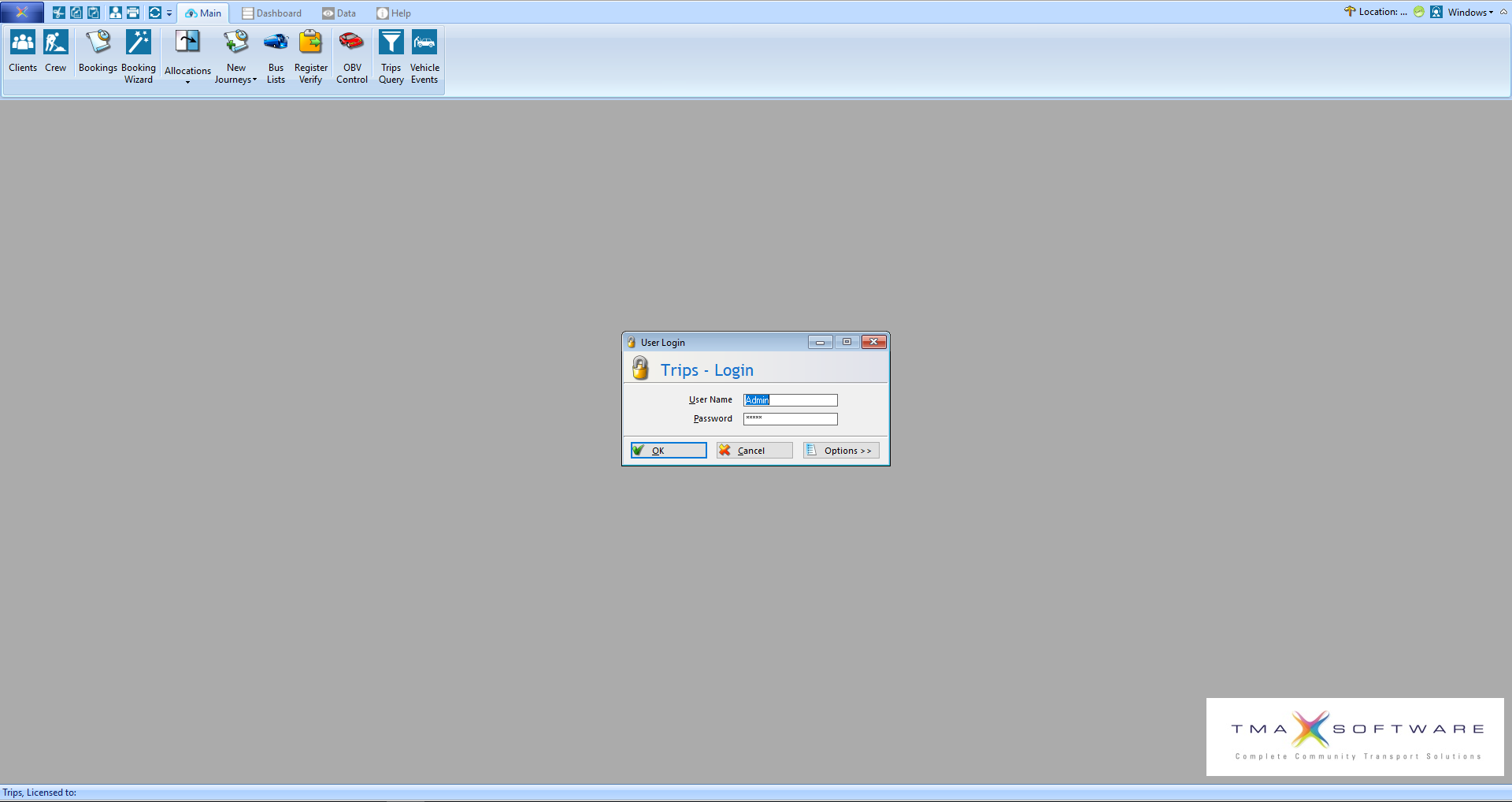
This is the first screen you will see when you open Trips. It will prompt you to enter a username and password, the default username is admin and the default password is admin. Additional users can be setup in Client Central in the Staff section.
If you left click on Options, it will display some additional settings as below:
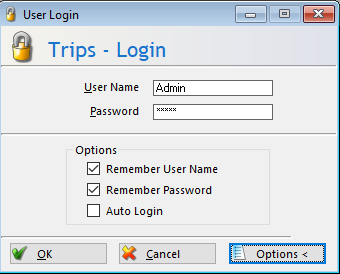
If you want to enable Auto Login, please login first to ensure you have the right username and password, then close and reopen Trips then enable Auto Login.
\